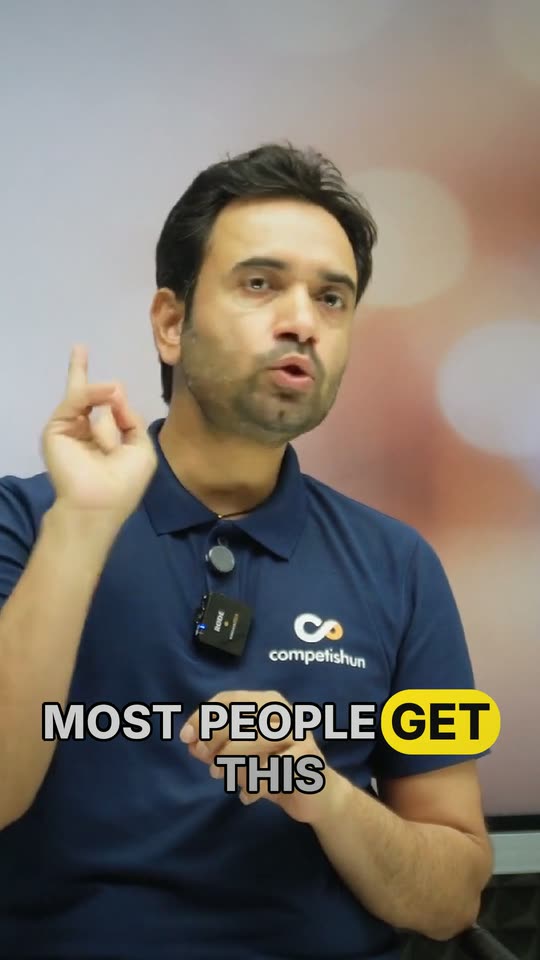
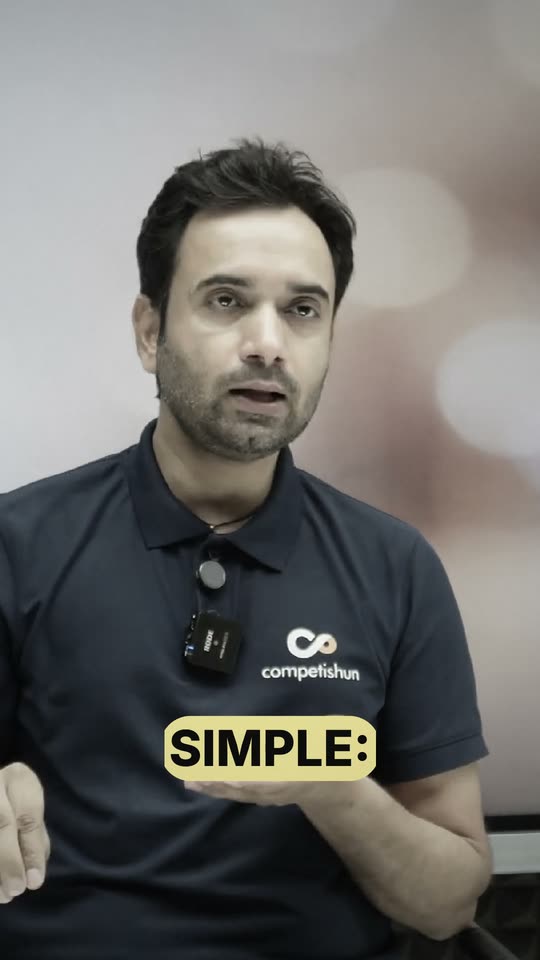
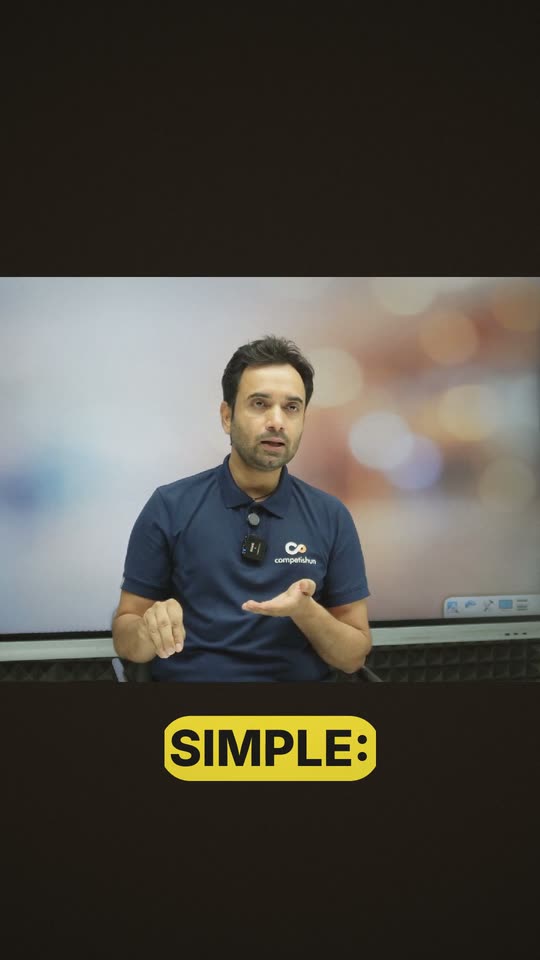
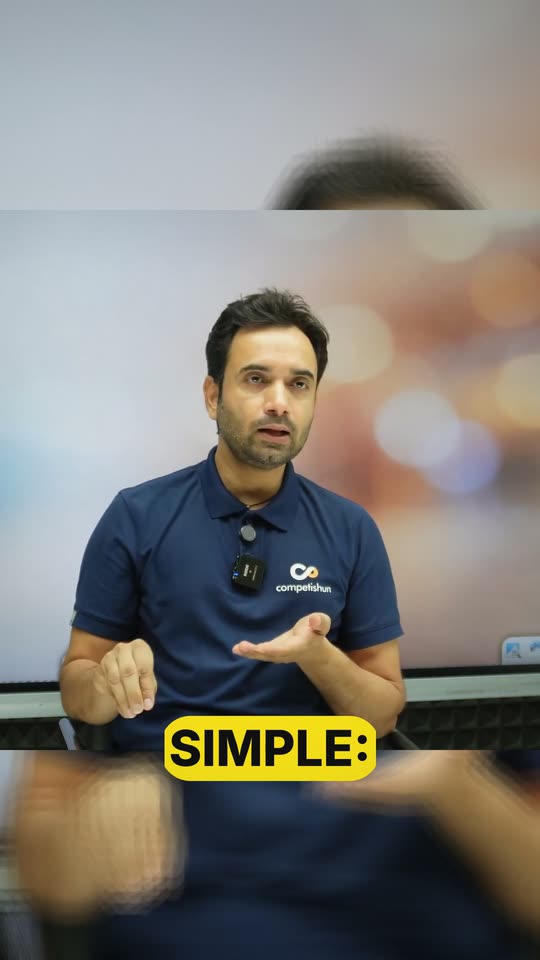
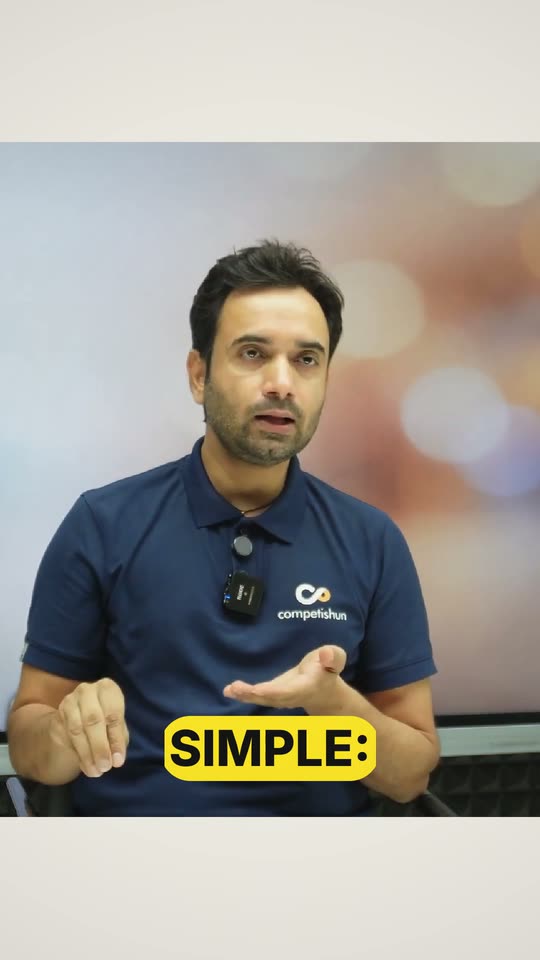
Clean Talker
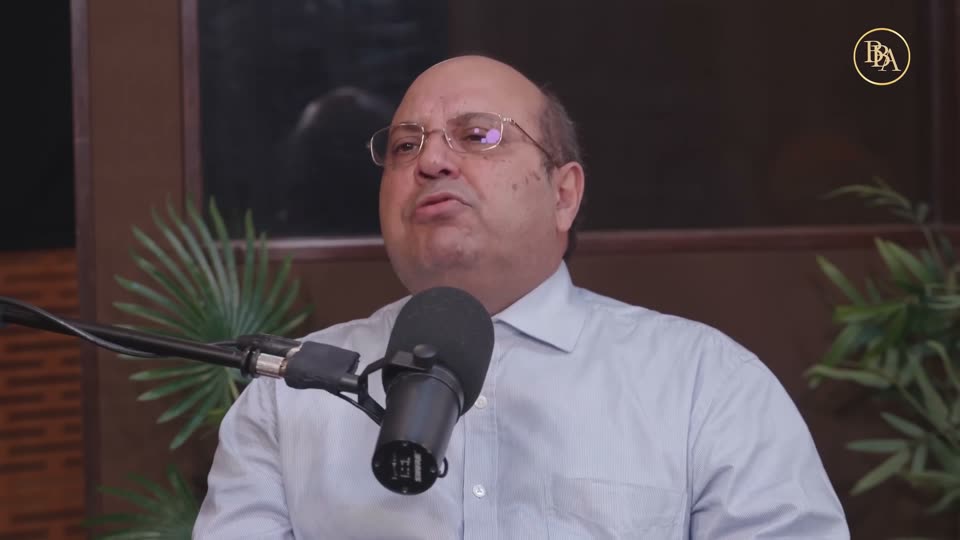
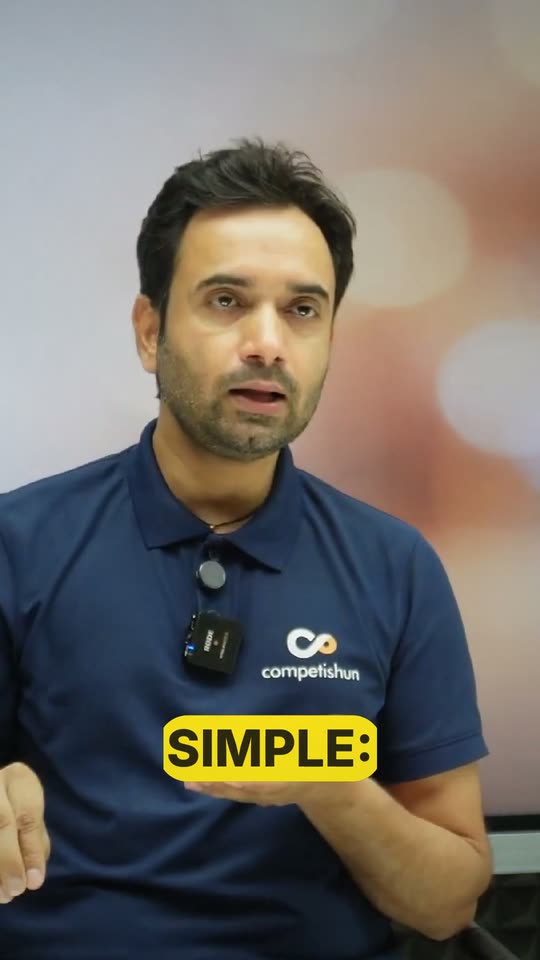
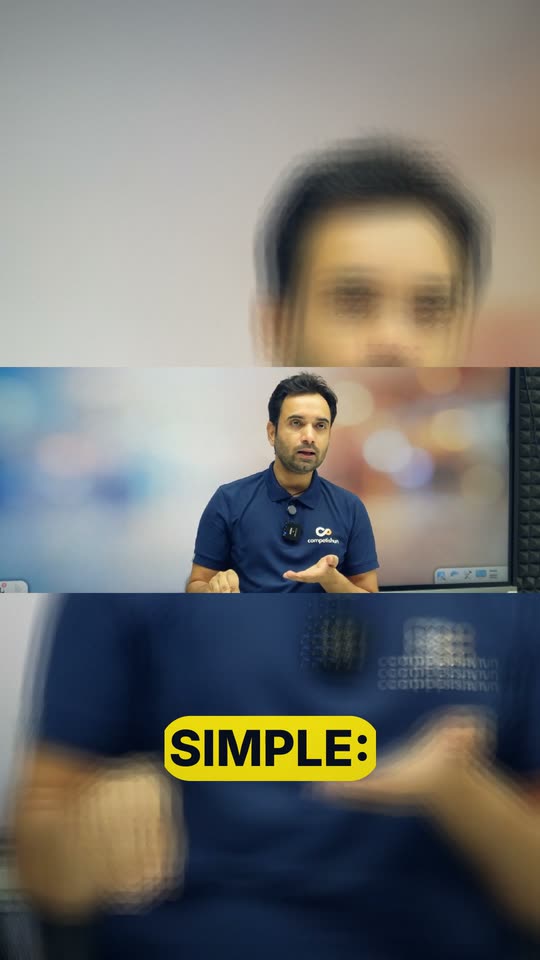
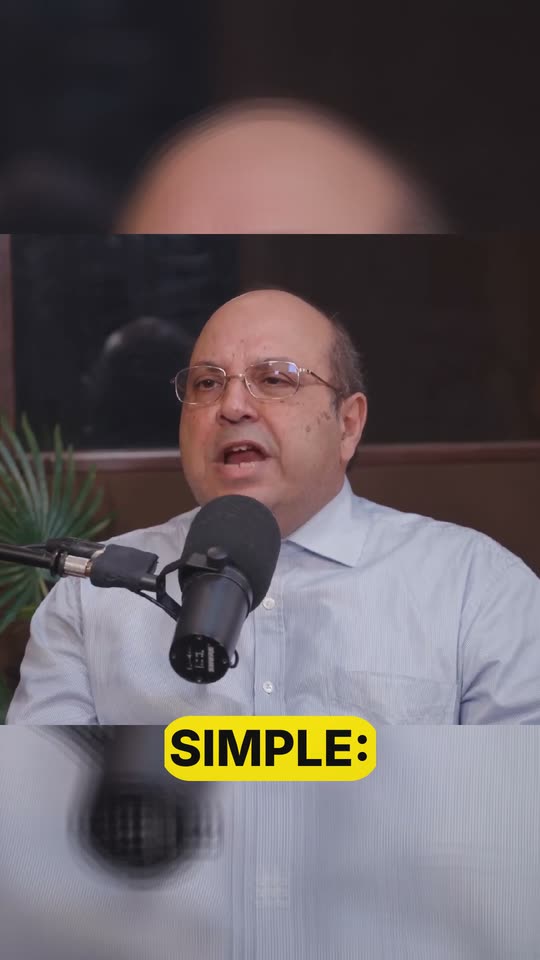
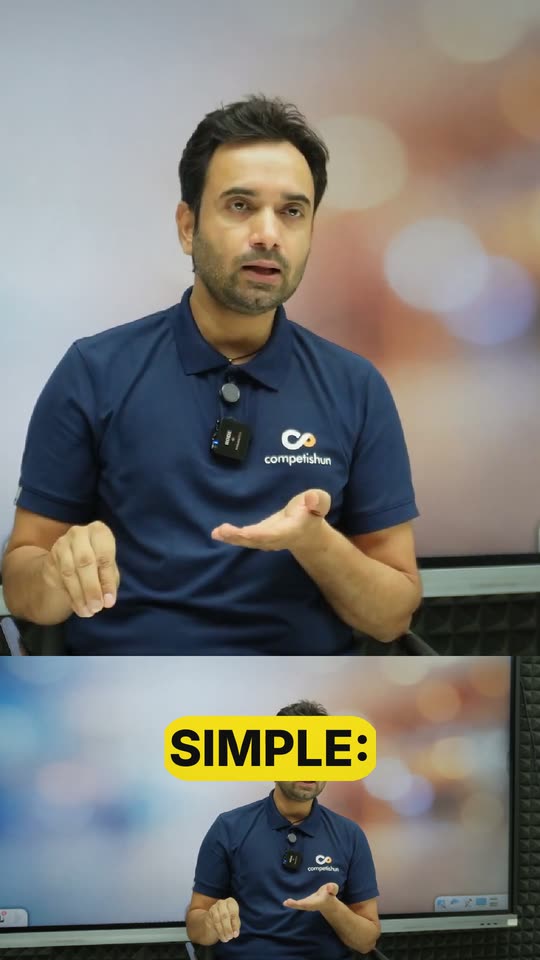
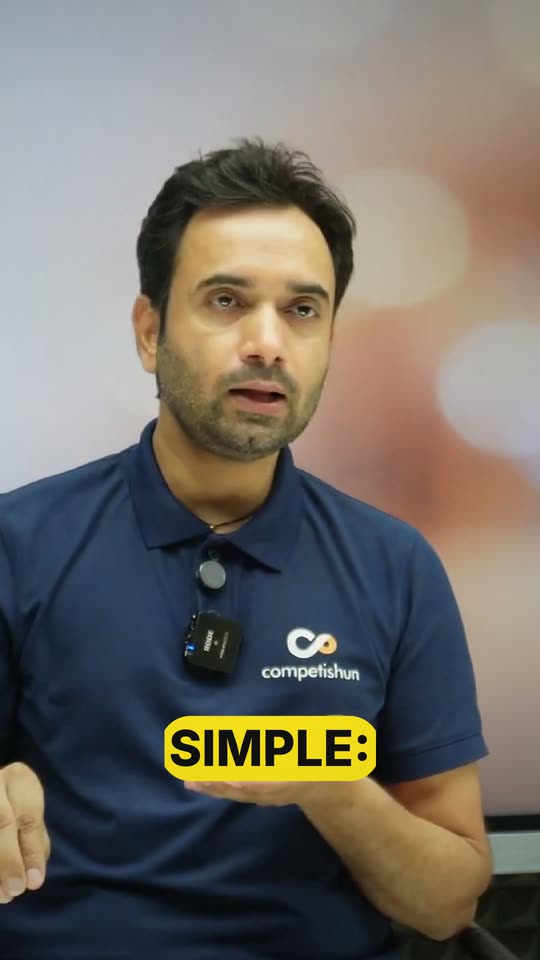
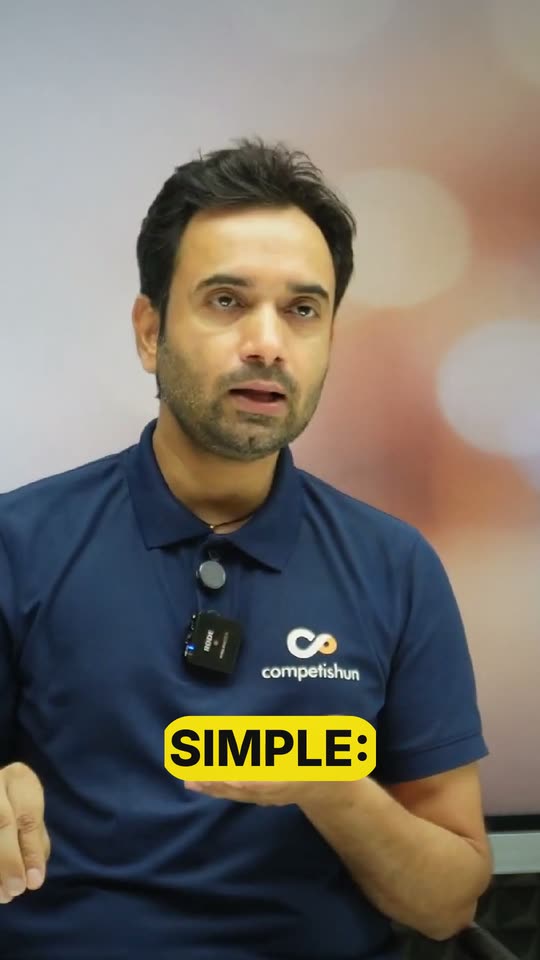
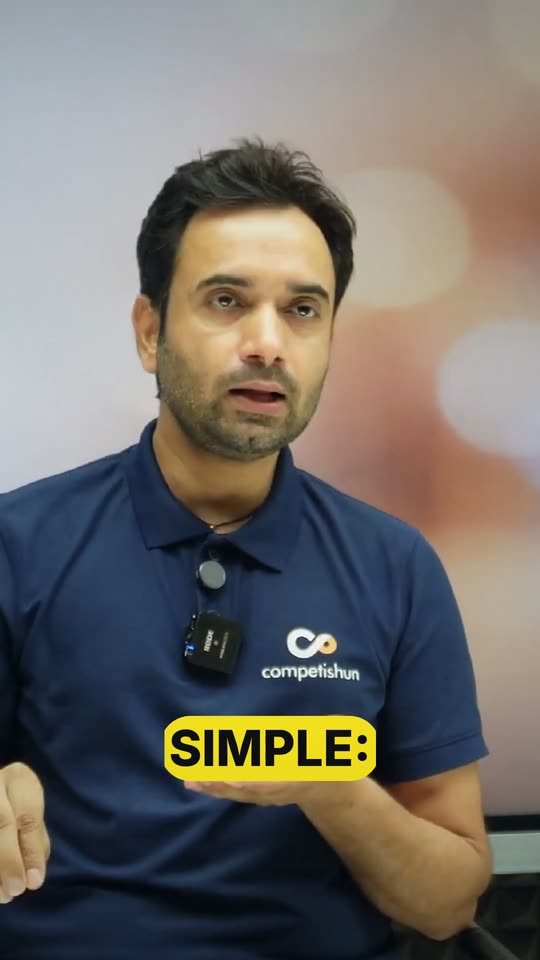
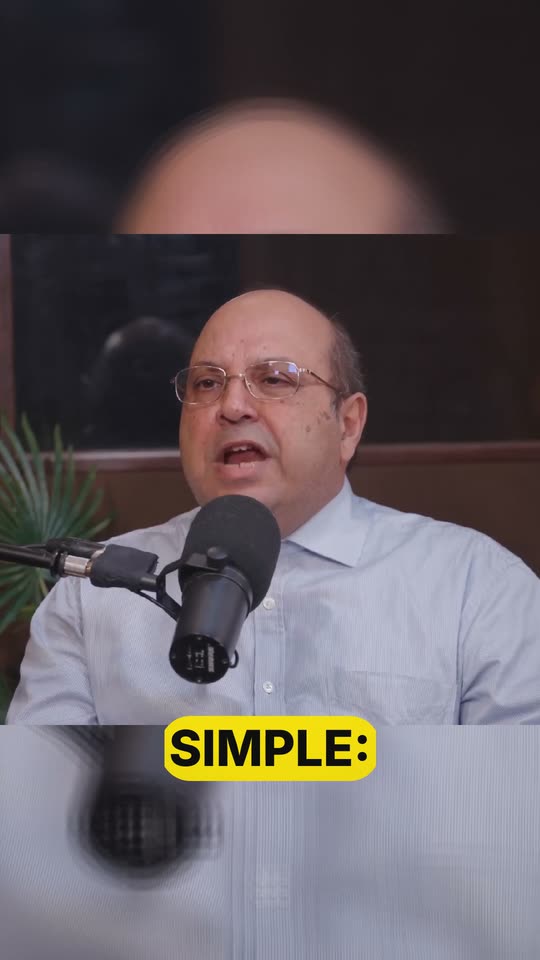
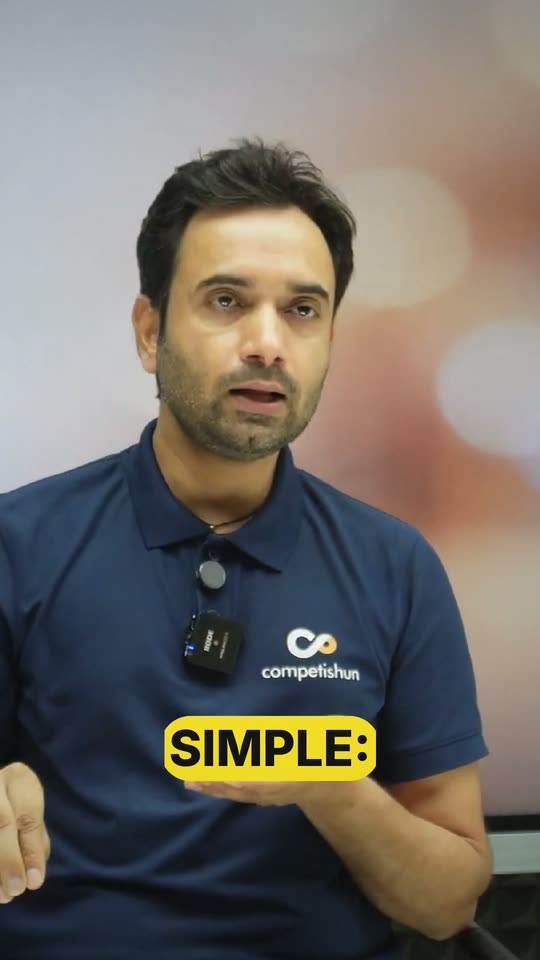
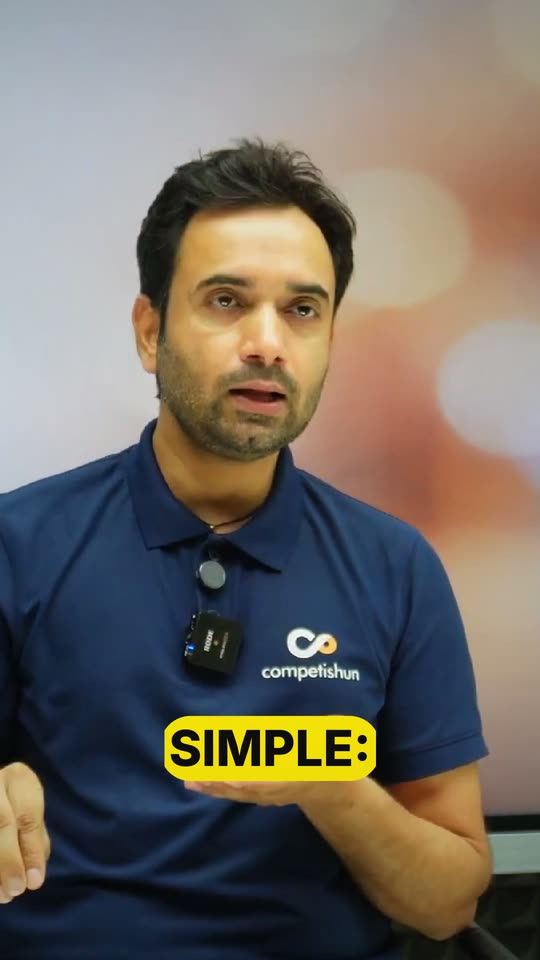
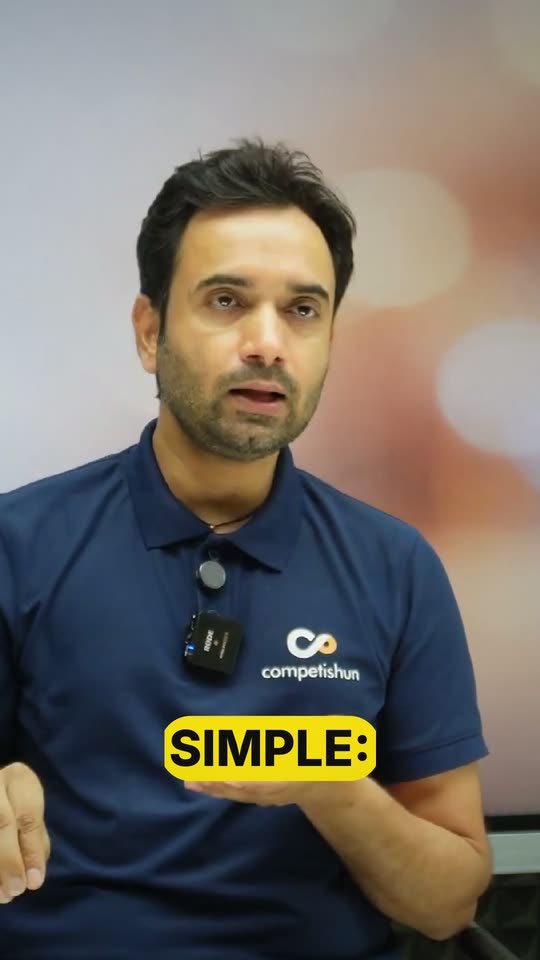
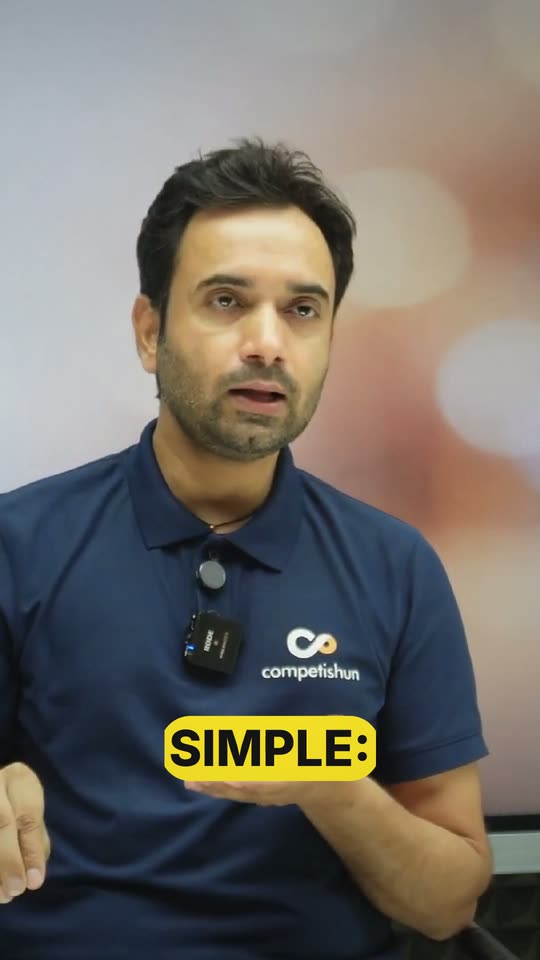
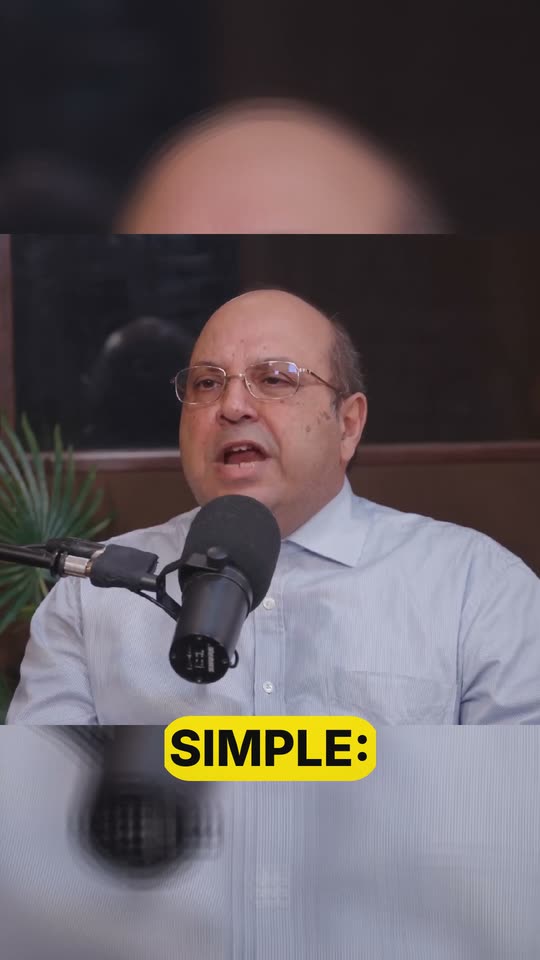
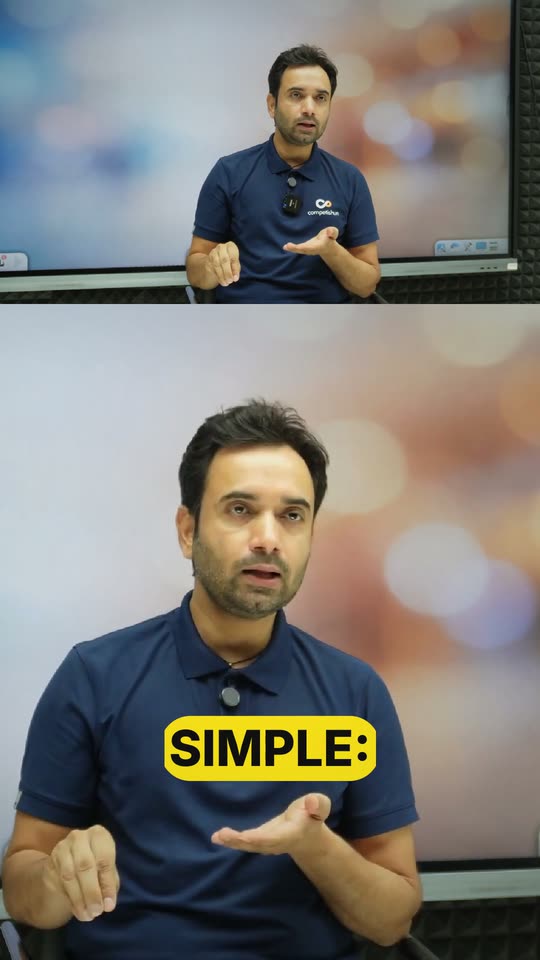
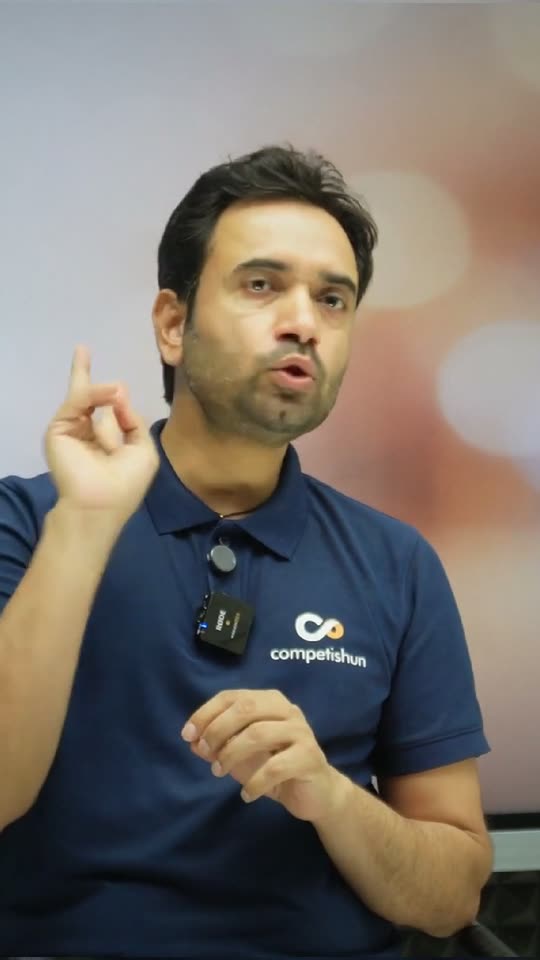
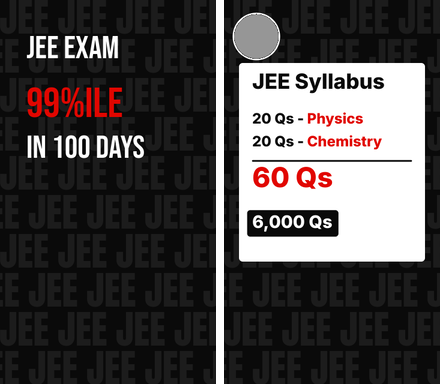
Best for Any single speaker to camera — coaches, founders, explainers. The safe default.
ClippingPro finds the moments in a long video that are worth sharing, explains why in a report, and renders the ones you pick as finished vertical, square or horizontal clips — with subtitles, hooks, music and your branding.
Six steps. The AI does the searching and the heavy lifting; a person approves what gets made.
Upload the recording straight from the browser, or paste a link to it.
The video is transcribed and split into candidate moments. Each is scored for hook, retention and whether it stands on its own.
Every moment, graded and explained, on one shareable page — with the transcript, metrics and a brief on the whole video.
Pick the clips to make. Add a moment of your own if the AI missed one. Queue several as a batch.
Supervised editing: faces and speakers are detected, you choose the layout and templates, set brand, hook and subtitles, and preview it live.
Finished clips in 9:16, 1:1 or 16:9 with subtitles, branding and hooks — ready to download and post.
Segments the video and produces a manifest of candidate clips.
Detects people and faces and transcribes word by word, then proposes layouts.
A multi-stage AI pass writes the edit plan: framing, captions, hook, effects.
The clip is cut into chunks rendered side by side, then joined into one MP4.

“For the first two years we hired people who had done the job before. It felt safe. It was the slowest we ever moved…”
Choose what to make, shape it in the Studio with a live preview, and render it in one click.

A scene template decides how the picture is framed and how it looks and moves: framing, camera, colour, overlays, the climax and the music bed.
Full-screen vertical framing that follows the speaker. Each Look sets the colour grade, camera behaviour, overlays, climax and music.

The picture is cut to a fixed shape — widescreen, 4:3, square or 4:5 — and placed on the vertical canvas with bands above and below.

Follows the action and, when two things matter at once, stacks them: speaker and listener, presenter and slide, face and product.

A fixed two-panel layout for the whole clip — for example the speaker's face on top and the full frame below.

Full-screen vertical framing that follows the speaker. Each Look sets the colour grade, camera behaviour, overlays, climax and music.

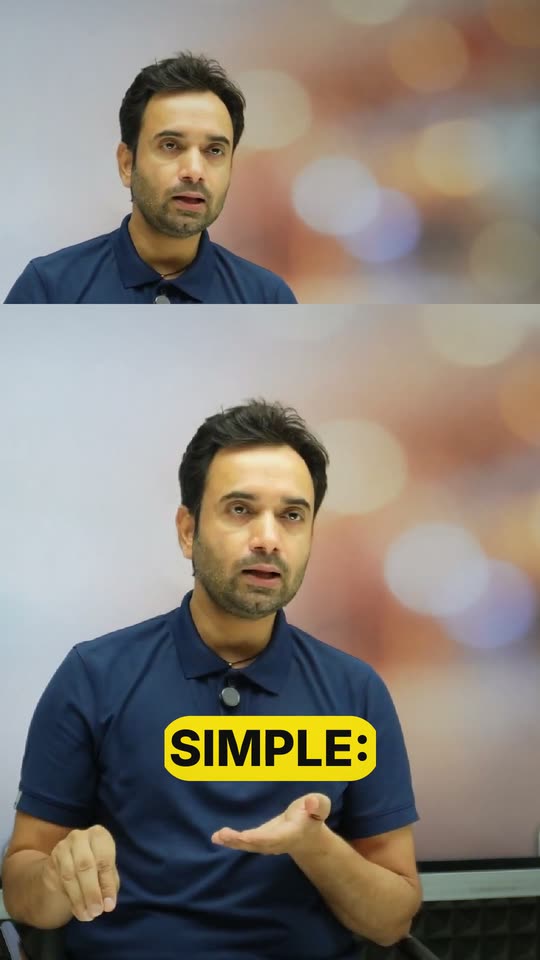
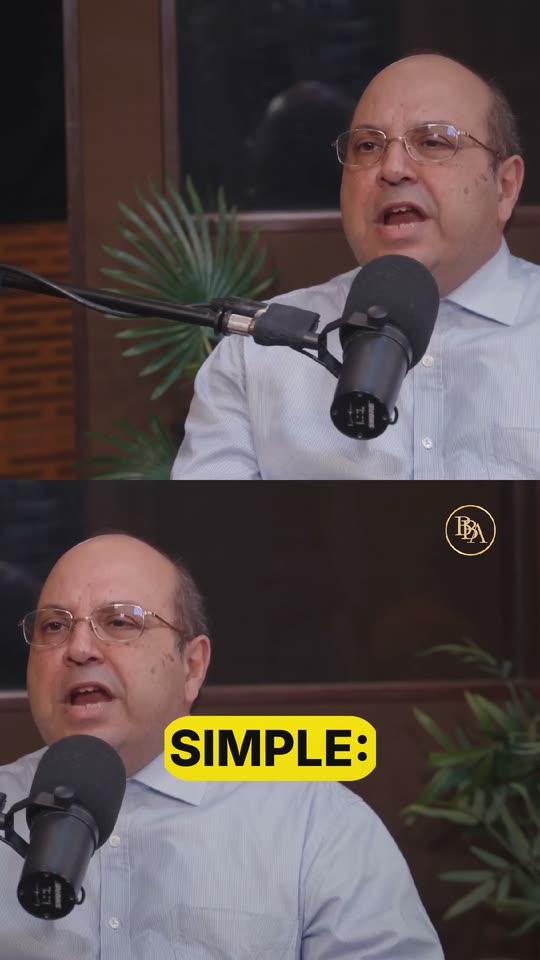
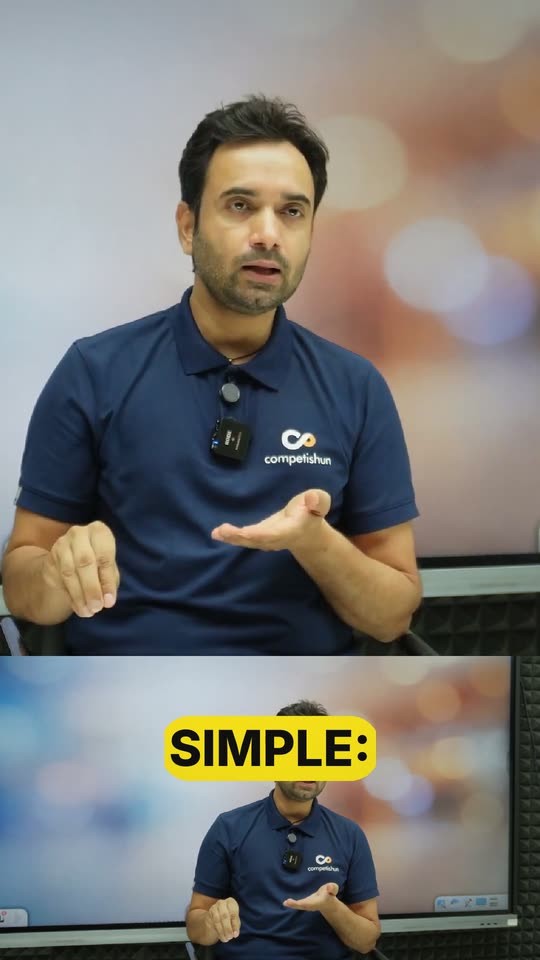
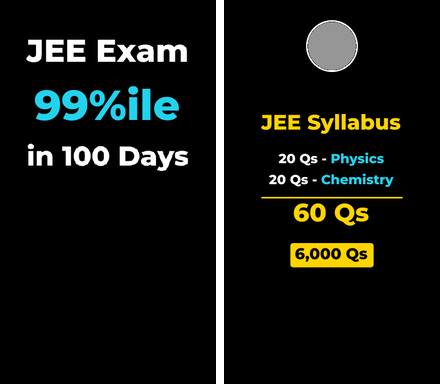
Best for Any single speaker to camera — coaches, founders, explainers. The safe default.

Best for Personal stories, testimonials and reflective moments that need slower pacing.

Best for Interviews and serious subjects where the footage should look untouched.

Best for Company updates, B2B thought leadership and presentations.

Best for Interviews and talks where nothing should distract from what is said.

Best for Lifestyle and day-in-the-life creators with a friendly, upbeat tone.
Full-screen vertical framing that follows the speaker. Each Look sets the colour grade, camera behaviour, overlays, climax and music.

Best for Colourful lifestyle content and light-hearted announcements.

Best for Launches, announcements and highlights that should feel big.

Best for Sports, workouts, stunts and fast physical action.

Best for Dramatic stories, true crime and serious commentary.

Best for Music, nightlife, gaming and urban content.

Best for Dramatic or reflective pieces that suit black and white.
The picture is cut to a fixed shape — widescreen, 4:3, square or 4:5 — and placed on the vertical canvas with bands above and below.

Best for Story-led clips that should feel like a film trailer.

Best for Nostalgia, comedy and throwback content.

Best for Square feed posts on Instagram and LinkedIn.

Best for Tall 4:5 feed posts on Instagram and Facebook.
Follows the action and, when two things matter at once, stacks them: speaker and listener, presenter and slide, face and product.The previews here were rendered offline on single-speaker sample footage, so they show the framing and look but not the stacking itself.

Best for Two-person podcasts and interviews.

Best for Teachers, course creators and webinar hosts with slides or a screen.

Best for Unboxings, product walkthroughs, cooking and crafts.

Best for Panels, roundtables and group podcasts with three or more people.
A fixed two-panel layout for the whole clip — for example the speaker's face on top and the full frame below.

Best for Reaction and commentary clips where the surroundings matter too.

Best for When the scene is the subject and the speaker is the commentary.

Best for Tutorials, software demos and screen-shared lessons.

Best for Two-person interviews where both people stay on screen.

Best for Talking-head clips illustrated with cutaway footage.
Predictable and consistent. Areas such as a screen region are set once on the clip.
Every value a template sets can be changed afterwards in Custom; the card then shows “edited”, and Reset puts the template back.
A Subtitle + Hook template sets how captions look and move, how the key word is emphasised, and the style of the opening hook. The phones show the caption style live.

High-energy business and self-improvement talking heads.
Bold upper-case captions; the spoken word drops into a yellow pill. Glowing pill hook.

Bold talking-head content in the classic high-contrast look.
Heavy high-contrast captions, the spoken word in yellow. Glowing pill hook.

Music-backed, high-tempo edits.
Upper-case words that pulse on the beat. Glitch bar hook.

Energetic clips that still need to read cleanly.
Words revealed left to right as they are spoken. Underline hook.

Lyrics, sing-alongs and fast speakers followed word by word.
The spoken word turns yellow as it is said. Sparkle banner hook.

Teaching and explainers where each word should land.
The spoken word grows, the rest fades back. Frame hook.

Tech, education and product explainers.
Clean captions with a mint spoken word and a soft glow. Underline hook.
A Subtitle + Hook template sets how captions look and move, how the key word is emphasised, and the style of the opening hook. The phones show the caption style live.

Corporate, news-style and professional interviews.
Polished white captions on a translucent dark bar — the broadcast look. News bar hook.
Brands that want captions to stay out of the way.
Ultra-clean captions; the spoken word is underlined, nothing else. Underline hook.

Playful pop-culture and entertainment clips.
Outlined upper-case text; the spoken word inverts to pink. Frame hook.

Gaming, music and nightlife content.
Cyan neon text glowing on a dark bar. Underglow hook.

Tech, storytelling and suspense where text should unfold.
Words typed out one by one, monospaced. Tape hook.

Vlogs and warm, handmade-feeling content.
Handwritten script; the spoken word is highlighted in yellow. Brush stroke hook.

Interviews and news-style segments.
A broadcast bar with a red left accent; the spoken word in gold. News bar hook.
A Subtitle + Hook template sets how captions look and move, how the key word is emphasised, and the style of the opening hook. The phones show the caption style live.

Editorial stories, fashion and cinematic pieces.
Serif upper-case headline with a gold rule beneath. Cinematic bar hook.

Travel, retro and countdown-style reveals.
Airport-board letters that flip on the spoken word. Ticker hook.

Casual, conversational and comedy clips.
A white messenger pill; the spoken word in blue. Stamp hook.

Comedy, memes and kids' content.
Upper-case on a bright yellow comic bar with a heavy black border. Paper tear hook.

Business and education explainers built around one key word.
One big gold serif keyword per phrase, small context above and below. Bare heavy hook.

Hard-hitting takes where one word carries the punch.
One big red keyword in condensed slanted caps per phrase. Bare heavy hook.

Hindi and Indian-language education channels.
Uniform yellow condensed block with a lime glow. Wide-tracked bare hook.
Replays, slow motion, freezes and face effects placed on the right line — chosen by AI with Moments Auto, or set by hand.

The last second replays and freezes in black and white, with a zoom punch.

The ending replays at 0.4× speed; the speaker stays in colour, the background turns grey.

A chosen moment slows to 0.4×, ramping in and out smoothly.
A one-second freeze on a key line, marked with a flash.

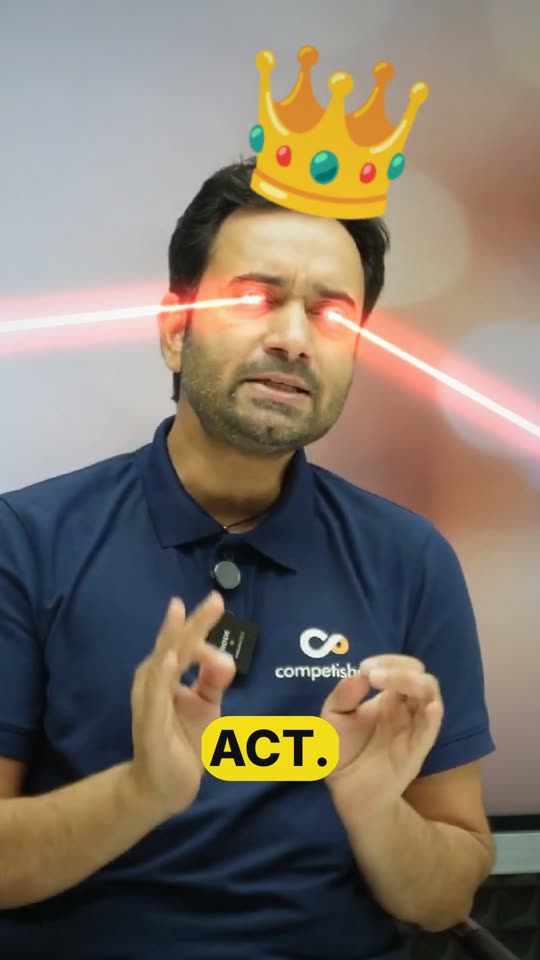
Face effects that track the speaker’s head and eyes.

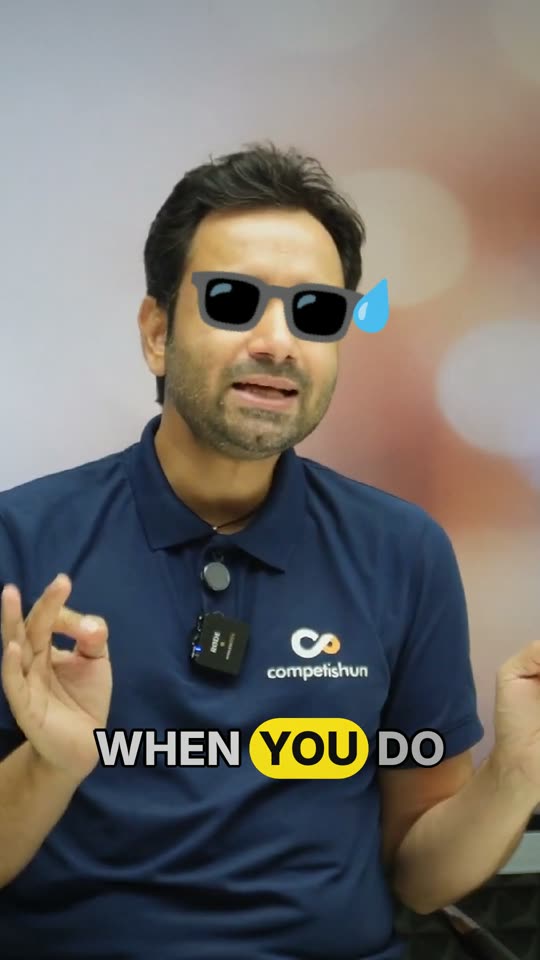
Sunglasses drop onto the face; a sweat drop for the awkward beat.

Two seconds of the best moment shown before the clip starts, to stop the scroll.
Replays the ending or the best moment (2–5 s) with a freeze, slow motion or speed ramp, plus effects: zoom punch, shake, flash, black and white, colour pop, glitch, confetti.
Eye lasers, an emoji on the head, emoji eyes, sunglasses and a sweat drop — at most two at once, following the face.
By default up to 3 moments per clip, no more than 6 s added, and at least 8 s between moments, so effects never crowd the message.
Three layers of sound: a background bed under the whole clip, a short sting on the climax, and your own tracks when you have them.
Each scene template carries a music style — “soft, warm, unobtrusive”, “driving electronic hip-hop”, “cinematic orchestral”. AI mixes a bed in that style under the speech.
A library of 70 music stings, 5–7 s each, in seven moods. The climax gets one that matches its mood and energy, mixed to a consistent loudness.
Upload music for the full clip or a stretch of it, with volume, lowering under speech, fades and looping.
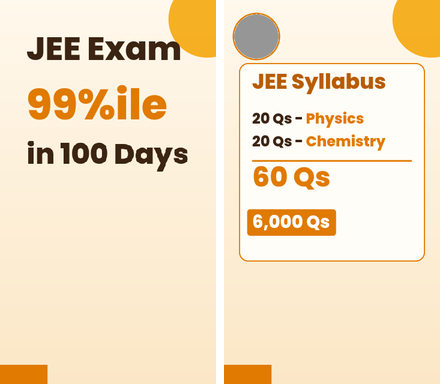
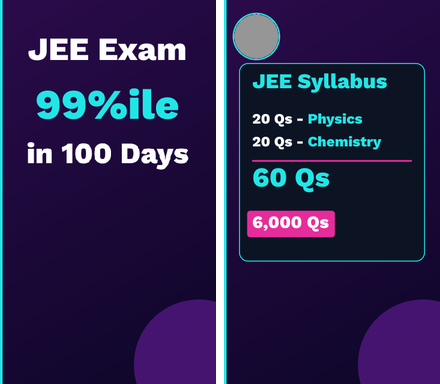
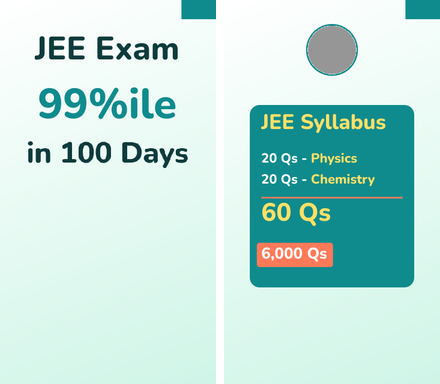
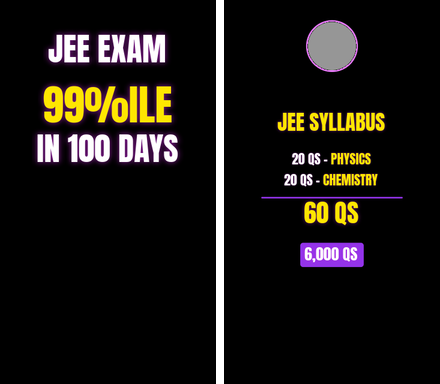
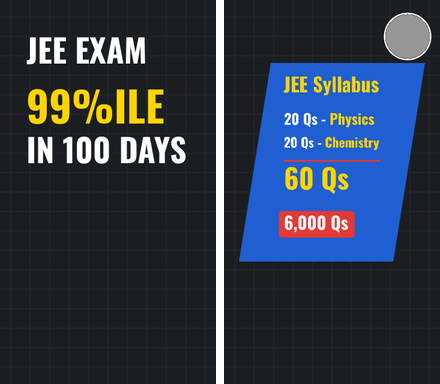
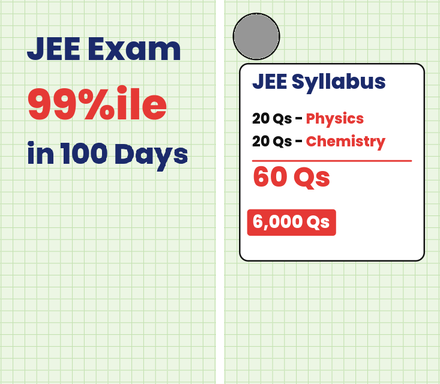
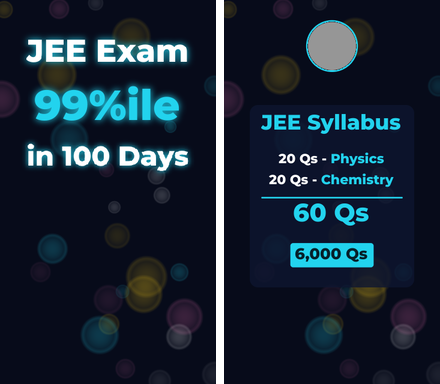
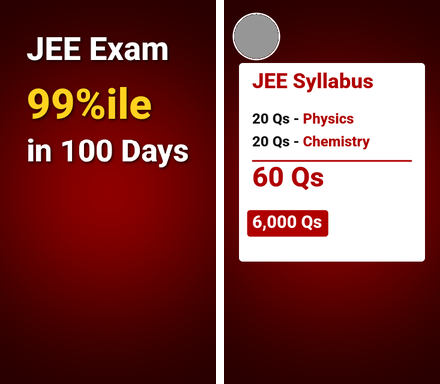
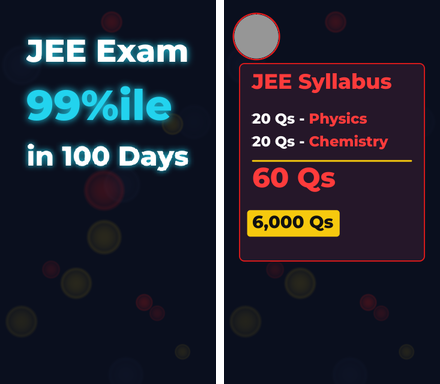
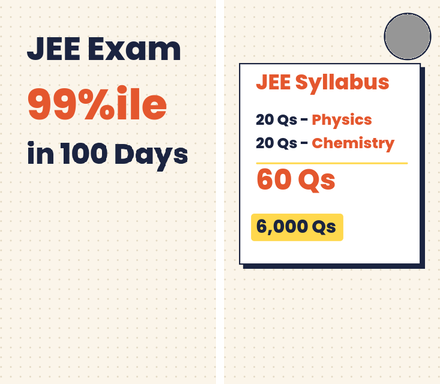
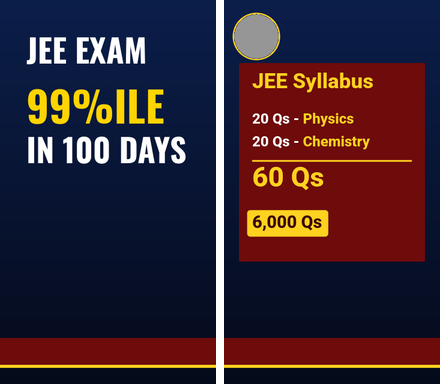
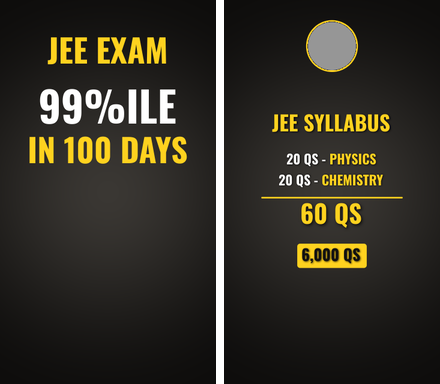
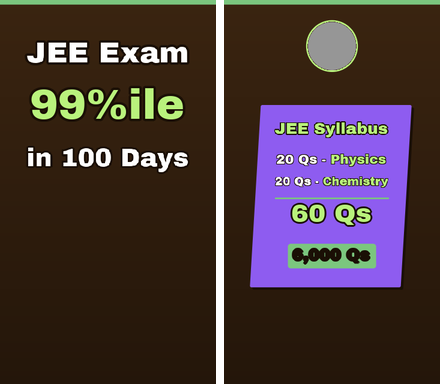
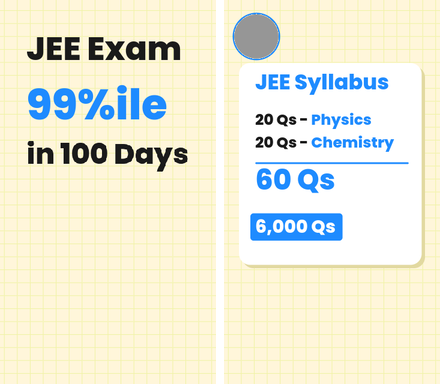
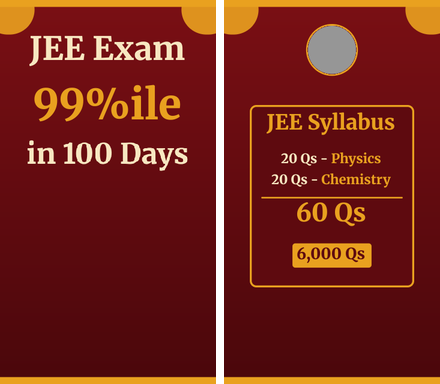
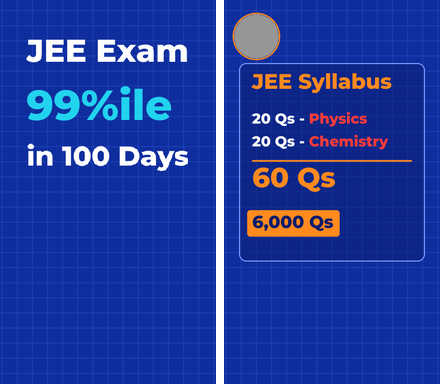
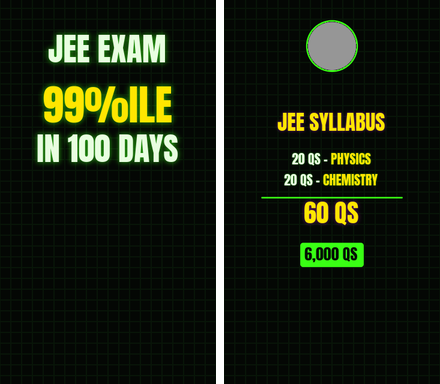
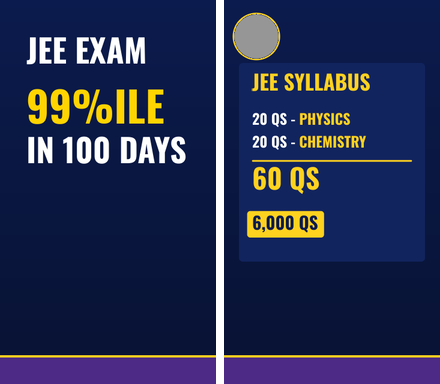
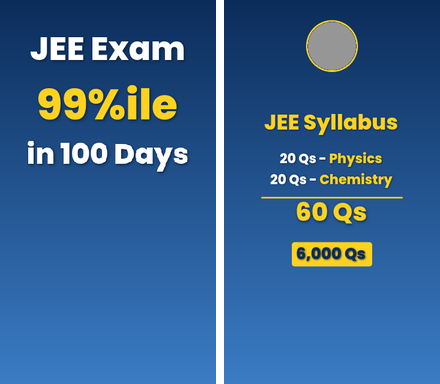
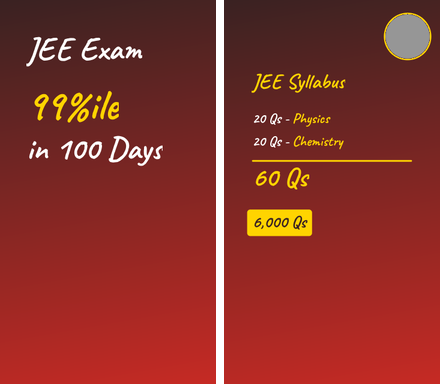
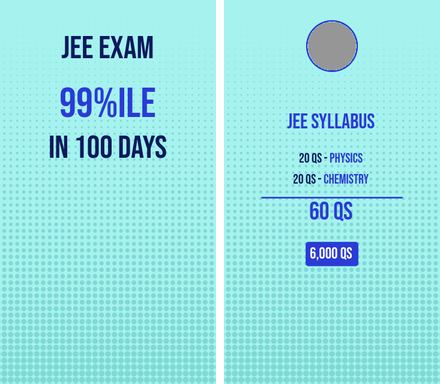
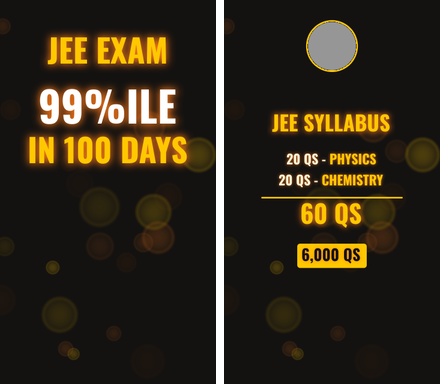
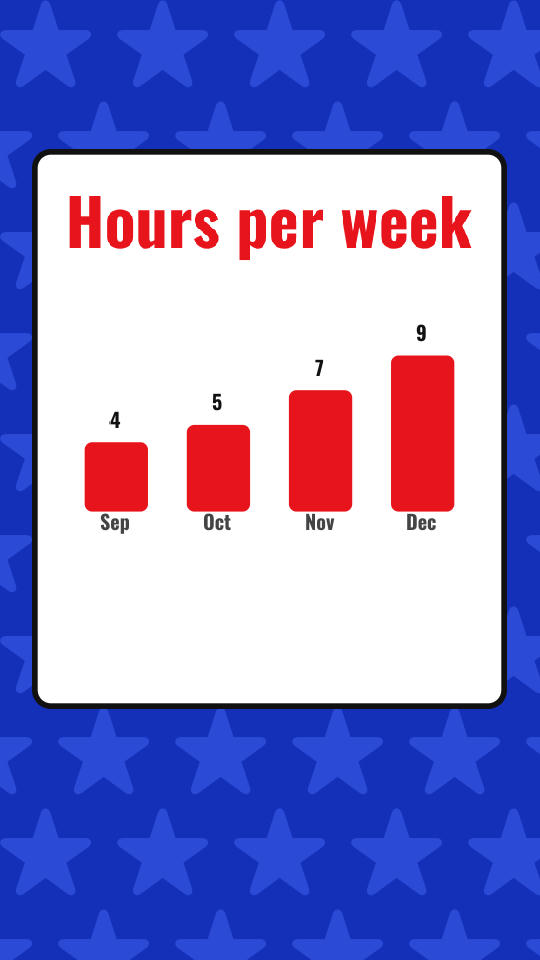
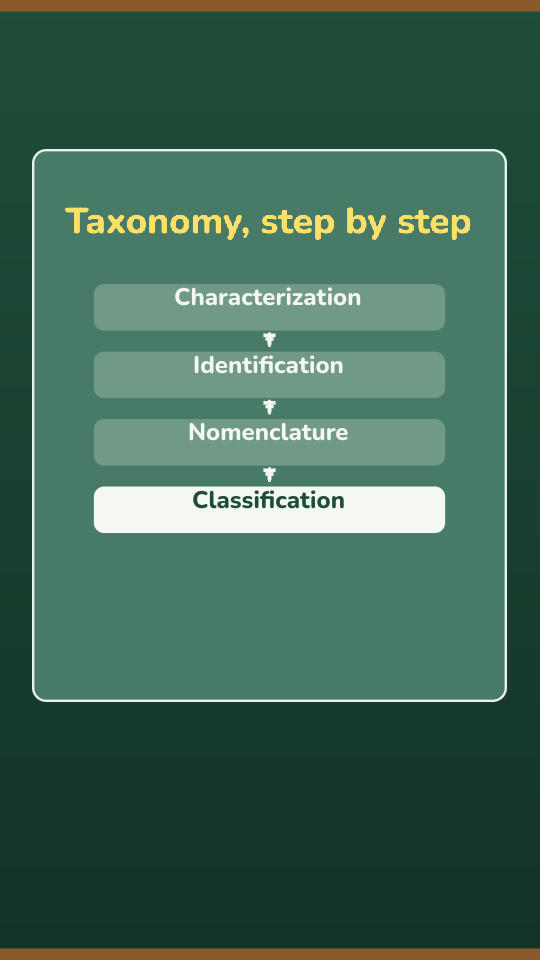
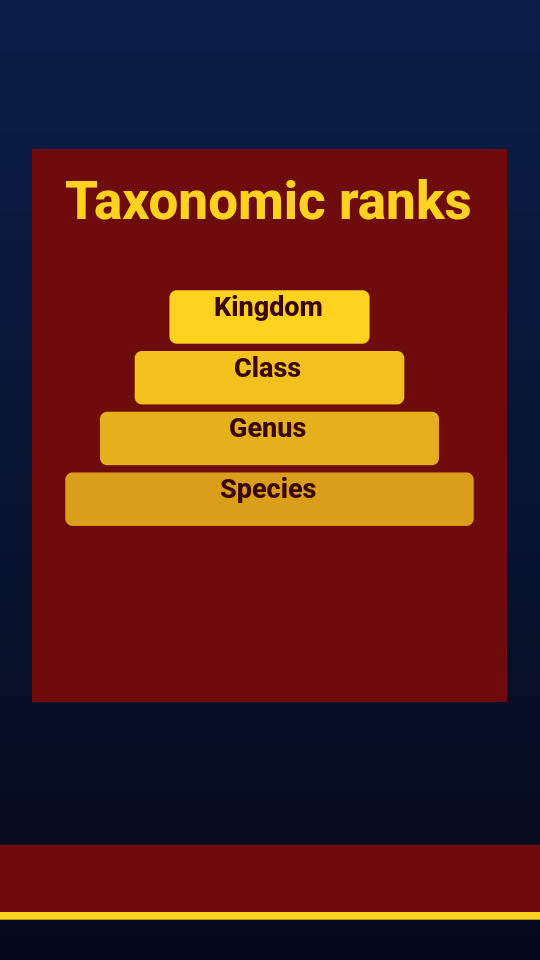
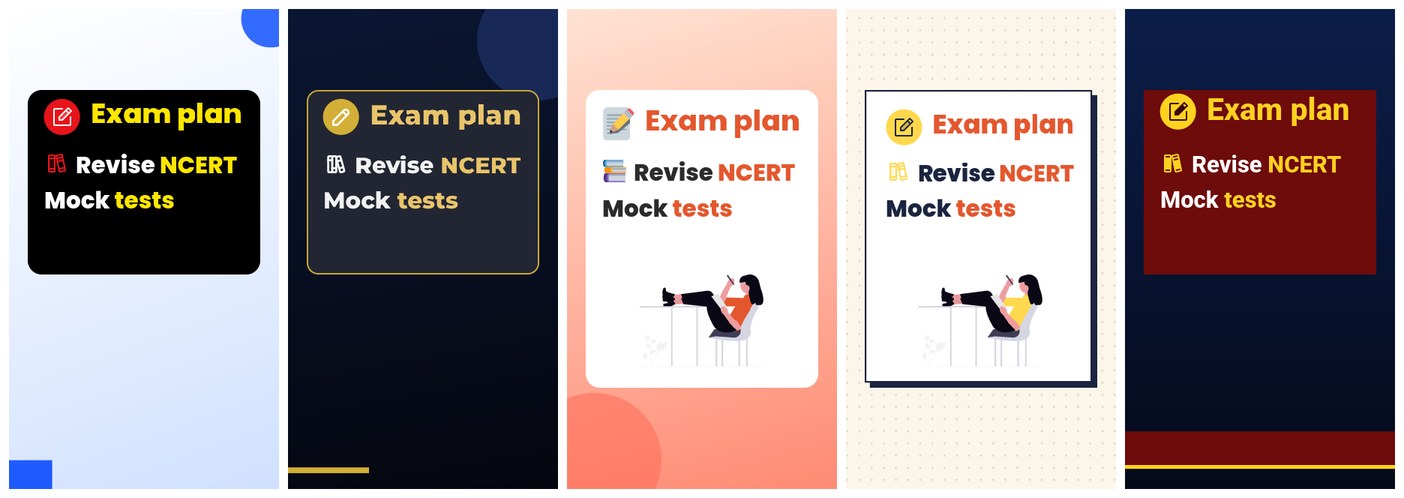
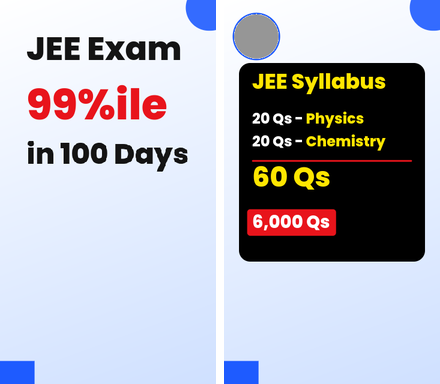
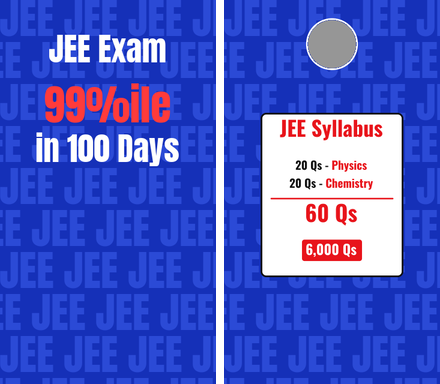
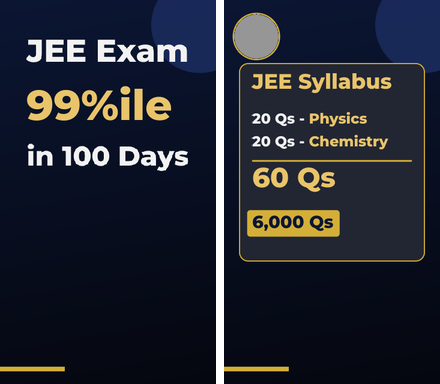
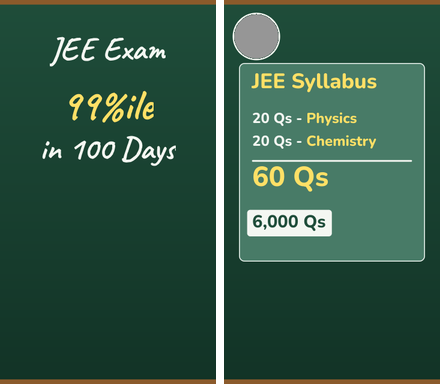
A design kit is the look of everything AI draws over a clip: the background, the intro title, boards, cards and transitions. Each picture shows a kit's intro beside one of its boards. Pick one, or let AI choose by the clip's mood.
Azure Chalk
Royal Blue Pattern
Midnight Gold
Emerald Chalkboard
Coral Sunset
Noir Mono
Saffron Cream
Violet Neon
Mint Teal
Magenta Glow
Slate Chalk Ribbon
Grid Green Red
Cyan Confetti Night
Crimson Vignette
Scarlet Noir
Ivory Navy GridA design kit is the look of everything AI draws over a clip: the background, the intro title, boards, cards and transitions. Each picture shows a kit's intro beside one of its boards. Pick one, or let AI choose by the clip's mood.
Maroon Newsroom
Smoke Gold
Cocoa Sticker
Lemon Grid
Marigold Maroon
Cobalt Ember
Neon Hacker
Navy Yellow Banner
Cobalt Gold
Black Podcast
Oxblood Marker
Cobalt Duotone
Ember NoirEvery number shown is one the speaker said; every step appears on the word that names it. These are real renders from the engine, each in a different kit.


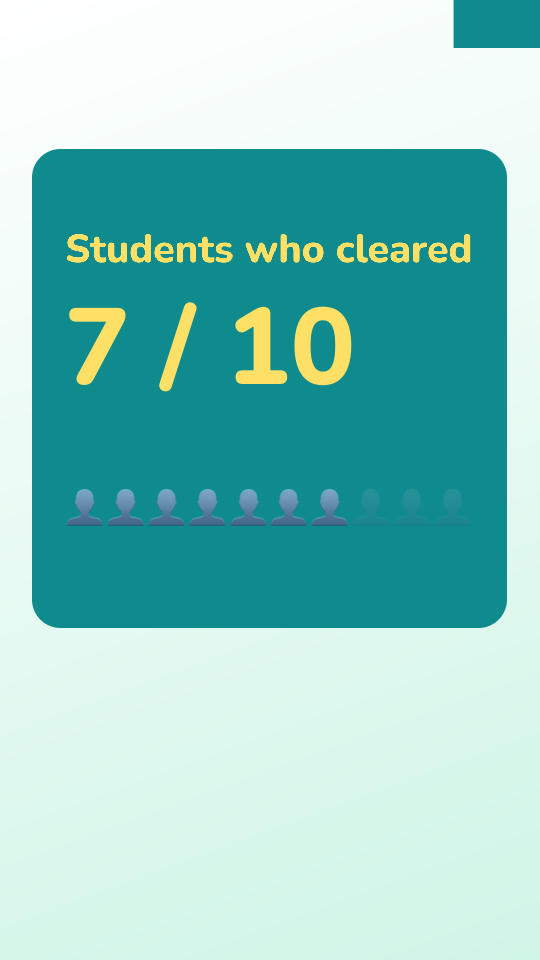
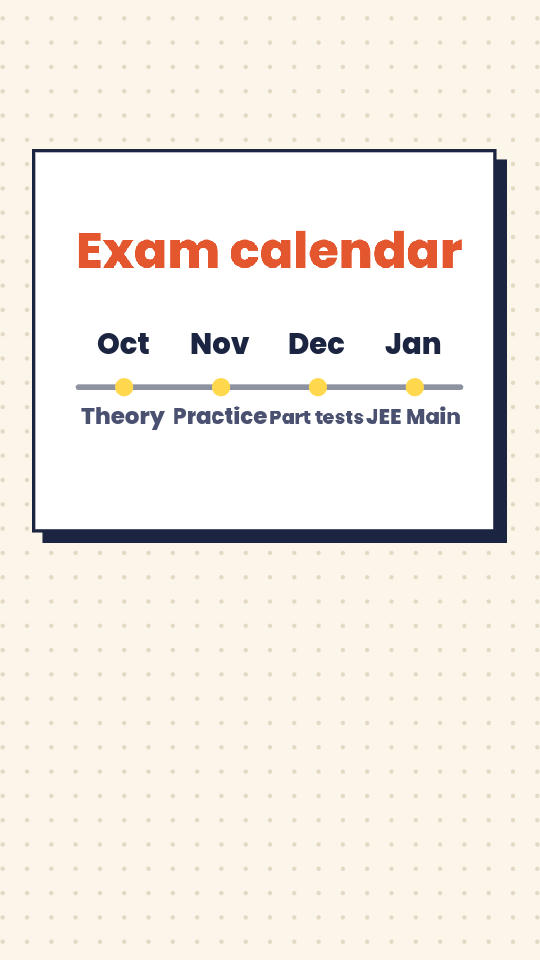
Every number shown is one the speaker said; every step appears on the word that names it. These are real renders from the engine, each in a different kit.


With Speaker in a Frame on, the speaker sits in a rounded frame on the kit’s background, below the clip’s title strip.
The frame shows exactly what Auto framing chose, as wide as the safe area allows. When Auto changes the framing, the frame reshapes in one smooth move.
The camera follows the speaker without shaking. A turned head or a hand over the face does not make it jump, and it does not swap to another person for a moment.
The space around the frame shows one short line at a time — Follow for more, Like if this helped, or your own — never over the captions, the title or a board. The frame moves to make room; it never shrinks.
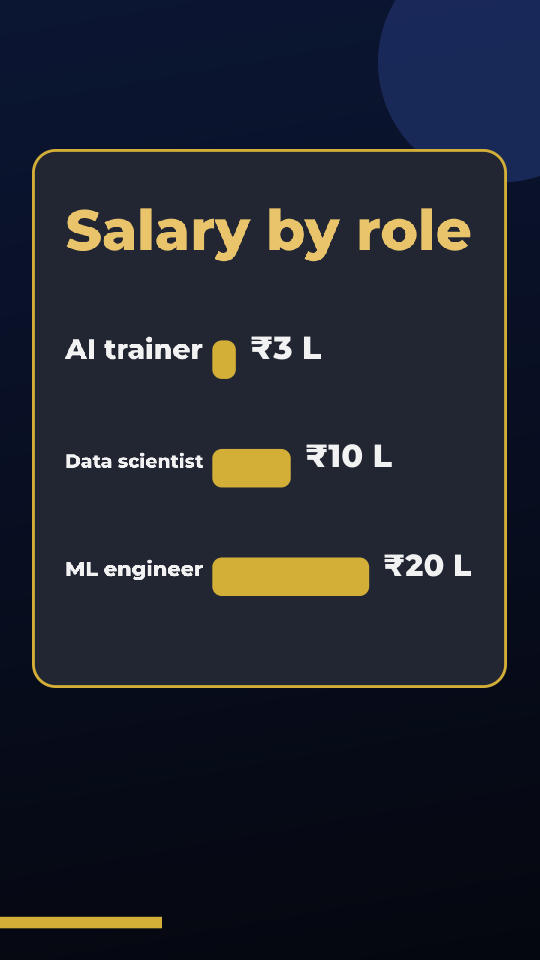
The same board in five kits, painted by the engine: colour emoji in playful kits, icons in the kit’s colours elsewhere, and an illustration where the kit and the board have room for one.

Playful kits draw colour emoji; teaching and serious kits draw matching icons in their own colours. You can switch any kit to colour emoji or icons. An emoji only appears where it fits the line — a calendar beside a date, money beside an amount — and never twice in a clip.
A board can carry one illustration from our library, recoloured to the kit, when one clearly shows what the board is about. Most boards have none, and nothing is ever stretched or squeezed for it.
Shh Drop, Side-Eye, Mind Blown, Boom Fact, Dun Dun Dun: an effect, an emoji and a sound as one beat, placed by AI in a pause after a line that lands. You choose which, and how many per clip.
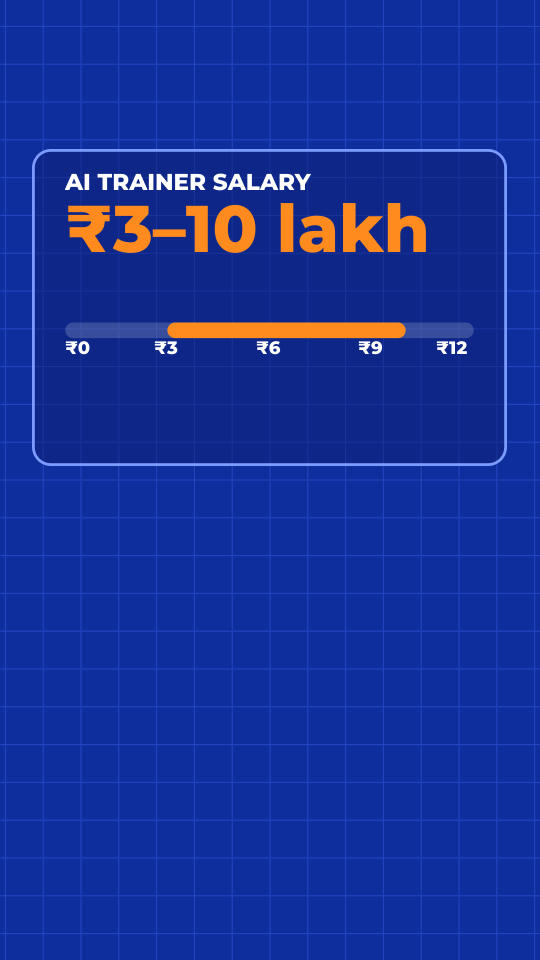
Before anything is drawn, AI reads the whole clip — the words and the picture — and lists every fact worth showing. Code then checks each one.
Facts come from what the speaker says and from what is on screen: a slide, a board, a page held up. Each one names the words or the frame it came from.
A number appears only if the speaker said it, in any form — “dhai lakh”, “2.5 lakh”, “₹2,50,000”. A name appears only if it was said or is on screen. Anything else is dropped.
Speech-to-text slips — an English word spelt by its sound, a misheard name — are found and fixed before captions and cards are made, using the names your template lists.
Cards keep the speaker’s own words and language. Choose English under them, your words only, or English only.
Related facts become one card that grows — a salary per role, one bar at a time — and a clip never shows the same card style twice in a row.
Three questions — your channel, the names you say often, who it is for — and a short description guide every clip made with the template.
All Auto picks one Scene template and one Subtitle + Hook template for the clip, then turns on Auto framing, Auto Overlays, AI music and Auto Moments.
On Gold and above, Auto framing also stacks and tracks people. Turn All Auto off at any time to edit any of these by hand.
Remove dead air, filler words, false starts and repeats — or keep every word.
B-roll and other generative extras, set by render tier.
Resolution (1080p, 1440p or 4K) and codec.
Your logo, intro and outro are never touched by the AI.
Every clip can be rendered in the shape each platform wants, at up to 4K.
1080p, 1440p or 4K.
H.264 for maximum compatibility, or HEVC for smaller files at the same quality.
Burned-in subtitles in your chosen style, the hook, your logo, intro and outro, and an MP4 ready to post.
Send us a recording or a link. We will come back with the report — every moment worth clipping, graded and explained — and the first clips rendered in your style.